Canvas
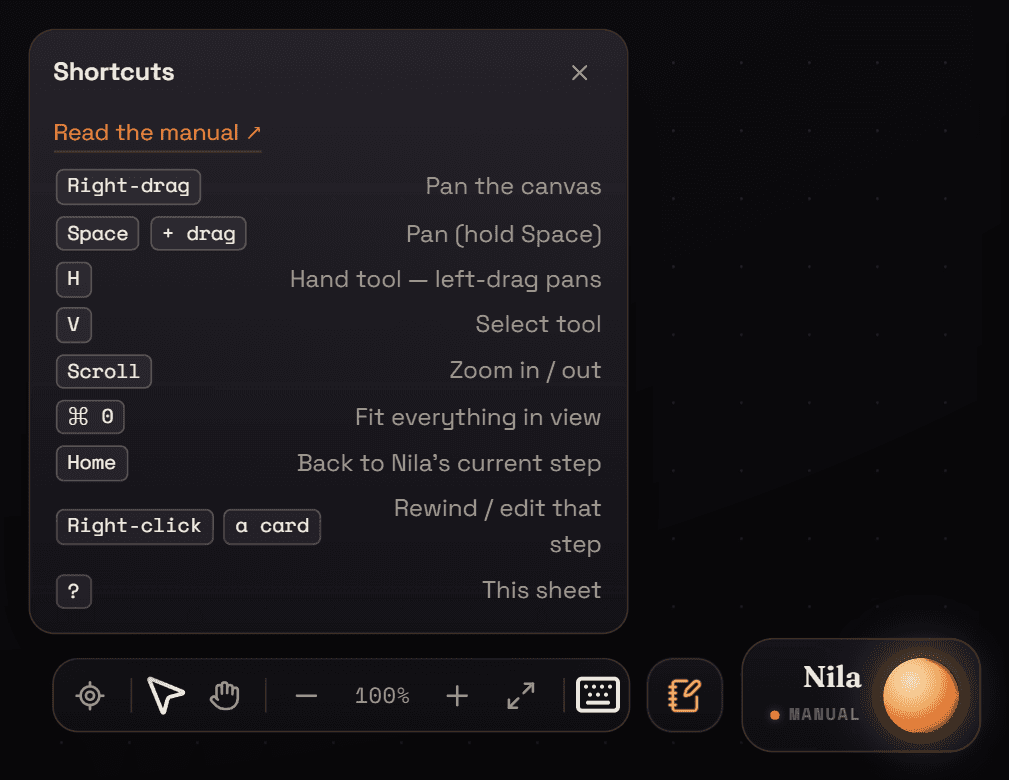
| Right-drag | Pan the canvas |
| Space+ drag | Pan while Space is held |
| H | Hand tool — plain drag pans |
| V | Select tool |
| Scroll | Zoom in / out |
| ⌘ 0Ctrl 0 | Fit everything in view |
| Home | Back to Nila's current step |
| Right-clicka card | Rewind to / edit that step |
| ? | Shortcut sheet |
| Esc | Close a menu or sheet |
Editor
| Space | Play / pause (also L / K) |
| J | Jump to the previous clip |
| ←→ | Step one frame |
| HomeEnd | Go to start / end |
| IO | Set the export In / Out point |
| R | Loop the In / Out range |
| SB | Split the selected clip at the playhead |
| ⌘ D | Duplicate selected |
| ⌘ C⌘ V | Copy / paste clips |
| ⌘ Z | Undo · ⇧ Z or Y to redo |
| Delete | Ripple-delete (closes the gap) |
| ⇧ Delete | Delete and leave the gap |
| ⇧ ←⇧ → | Nudge the selected clips |
| M | Mute selected (or all) |
| ⇧ K | Keyframe the clip at the playhead |