
Manual · Chapter 1
Getting started
Your first five minutes: one canvas, one guide, a handful of questions.
What storyboard.show is
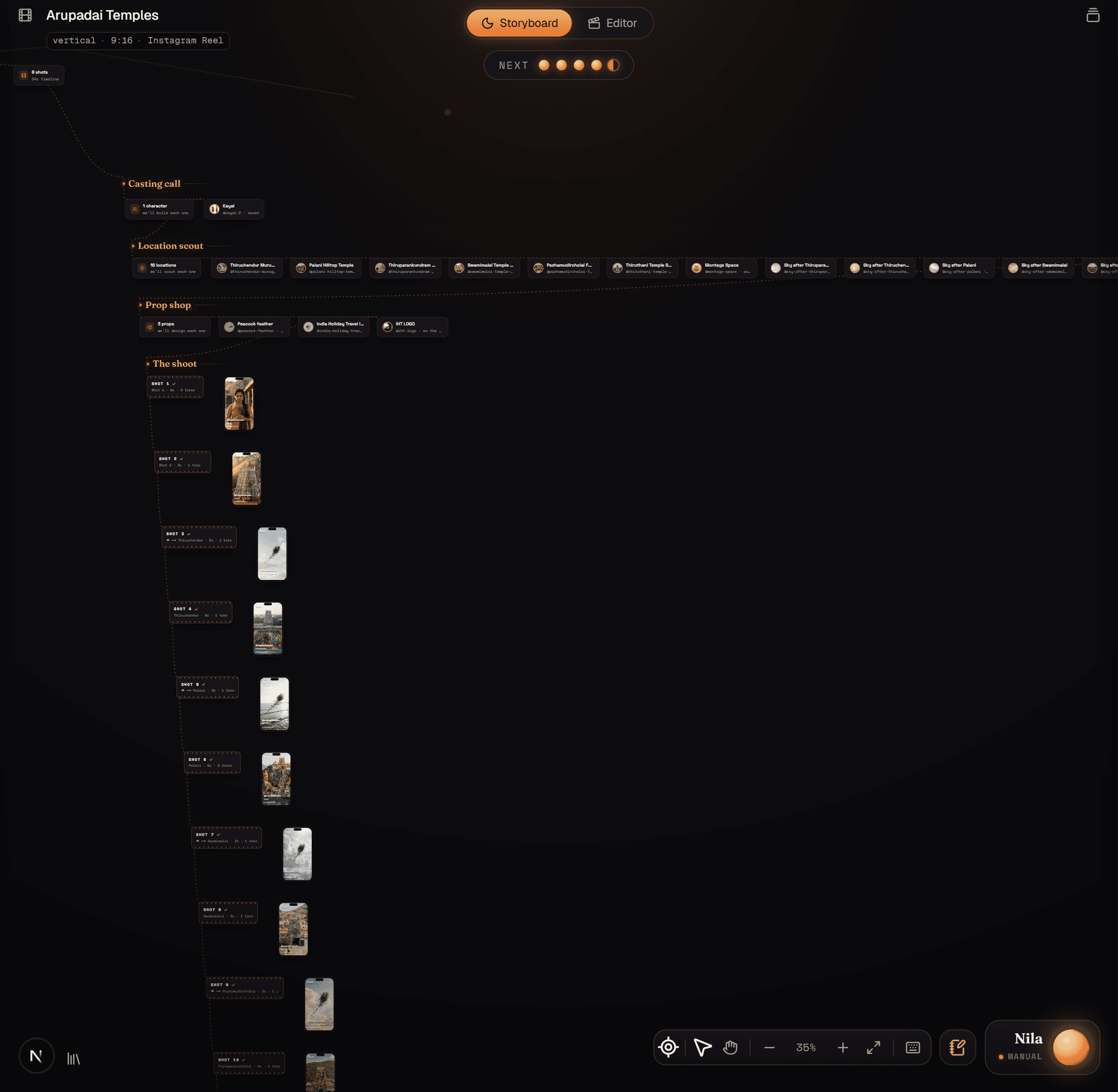
storyboard.show turns an idea into a finished AI video in one place. You answer a few questions, Nila — your AI creative director — plans the story, designs each shot, generates the video for it, and hands you a timeline to cut and render. The whole thing lives on a single canvas that grows as you go.
Create your account
- Go to storyboard.show and choose Try the beta.
- Sign up with your email. Verify it from the message we send you.
- Pick a plan when you're ready to generate — you can explore the canvas first. Plans and credits are covered in Credits & plans.
Setup: the first four cards
Nila opens with a greeting and then asks four quick questions. Each one is a card on the canvas; answer it and the next card appears along the trail.
- Name — what to call this storyboard. You can rename it later from the title at the top-left.
- Platform — where the video is headed (Instagram Reel, YouTube, and so on). This sets sensible defaults for the next two.
- Aspect — the shape of the frame: vertical 9:16, square, or widescreen 16:9.
- Length — how long the finished video should be. Nila breaks this into shots later.
Your story and Nila's Notebook
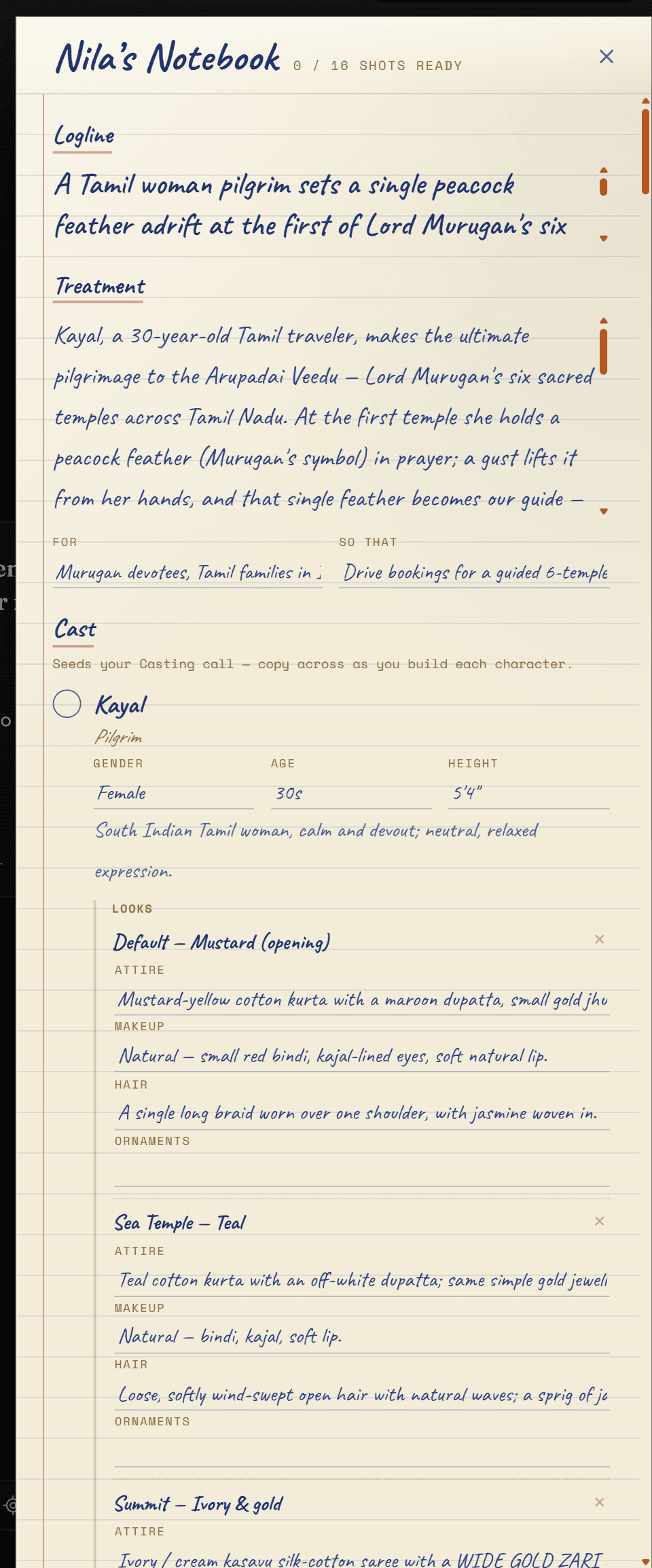
Next, Nila asks what your story is: the outline, who it's for, and what it needs to do. From that she drafts Nila's Notebook — a treatment and a beat sheet — which becomes the plan for every shot. Read it, edit anything, and accept it. The Notebook stays one click away from Nila's dock for the rest of the project.
Then she asks how to drive: Manual, where she pauses at every card for your call, or Autopilot, where she runs the board end to end and you step in whenever you like. Manual is the right choice for a first board.