
The Library
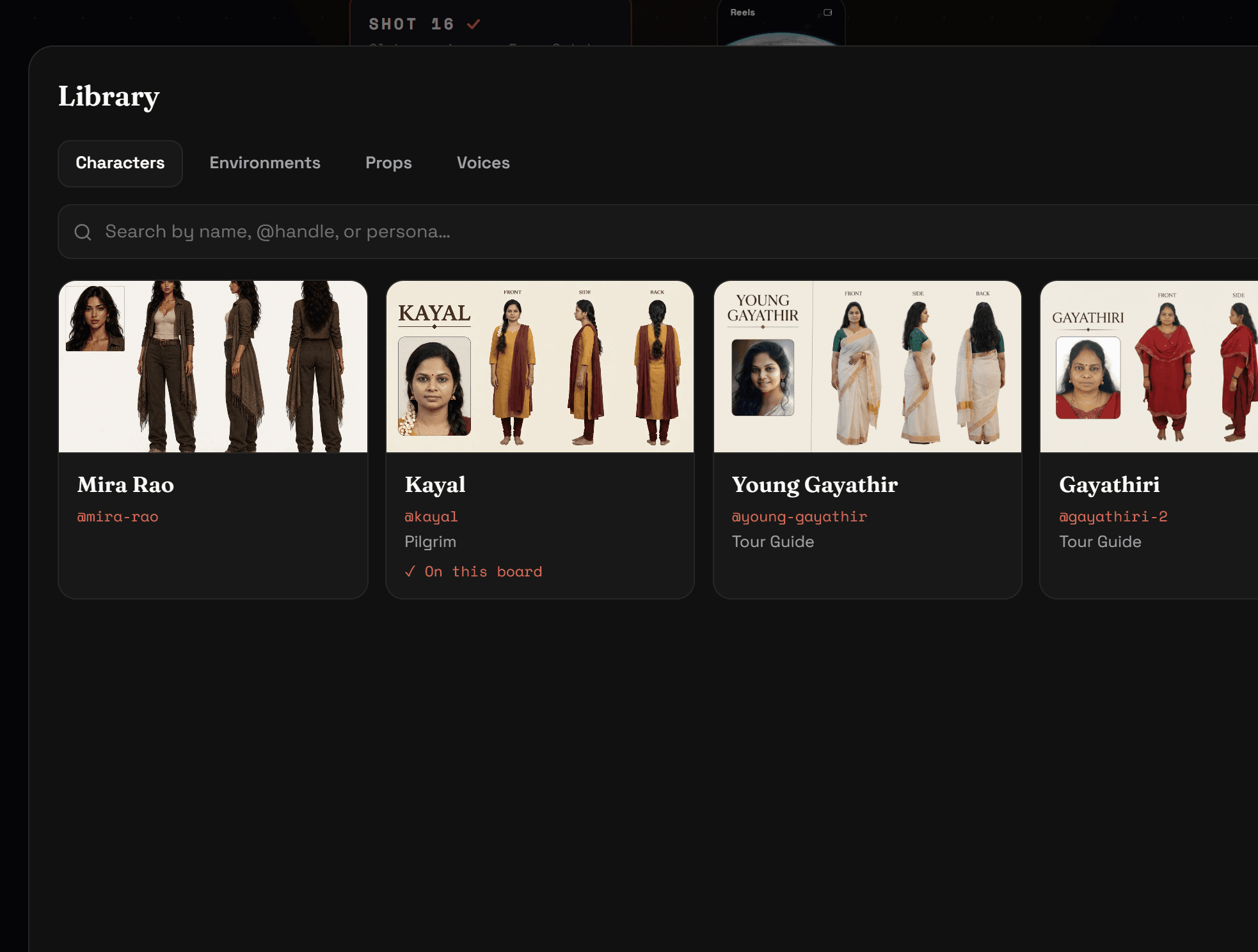
Every accepted character, environment and prop is saved to your Library — open it from the bottom-left of any board. Start a new project and cast from the Library instead of building again; the identity carries over, so the same character can star in a series.
Your storyboards
The grid icon at the top-left opens your storyboards. Each one saves continuously — the Saved label by the title tells you so — and reopens exactly where you left it, generation in progress included.
Settings
Settings (bottom-left, or from your profile menu at the top-right) holds your plan, credits and top-ups, storage, and account options including deletion.