
Manual · Chapter 3
Look, cast and locations
Before any shot exists, Nila builds the world it will happen in.
Art direction
Nila asks for one look for everything — characters, sets and props: live-action, anime, painterly, and more. Pick a preset or describe your own. This single choice keeps the whole video consistent, so decide it once and let it carry.
The shotline
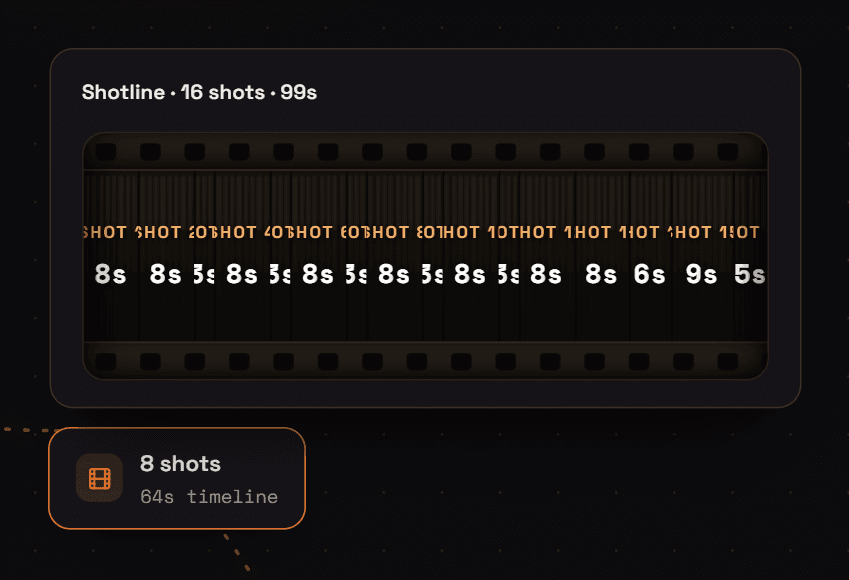
Nila breaks your runtime into shots — a shotline. Each shot gets a rough duration and a one-line intent drawn from the beat sheet. Adjust the count and the timings here; this is the skeleton every later step hangs on.
Cast: your characters
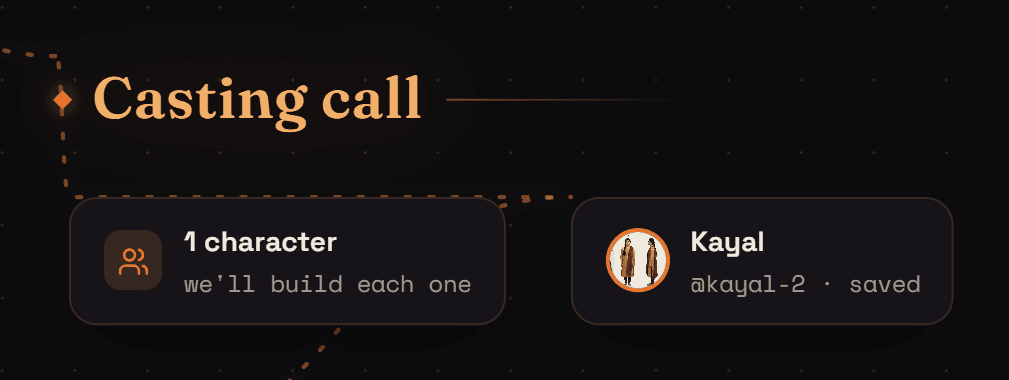
Tell Nila how many characters there are, then build each one: a name, a description, and a look. Nila generates a turnaround sheet — the character from several angles — which becomes the identity every shot draws on, so the same face shows up in shot 1 and shot 16.
- Refine — describe what to change and Nila regenerates from the current look.
- Voice — right-click a finished character chip and choose Edit character to cast a voice for their lines.
- Library — accepted characters are saved to your Library so you can reuse them in the next project.
Scouting locations
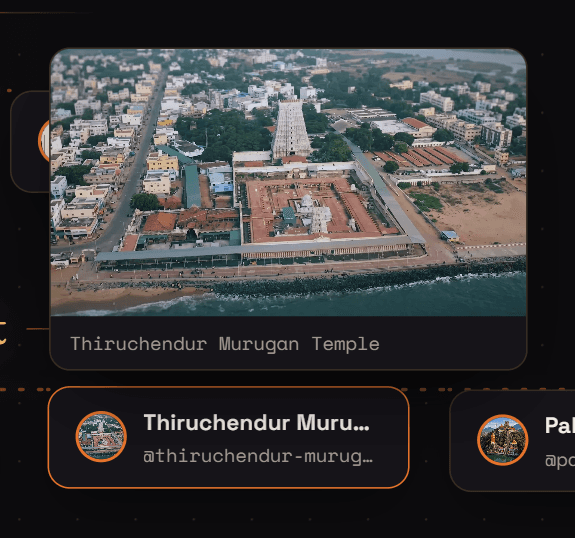
Next Nila scouts environments. Say how many locations the story needs and describe each; she generates a master image per location, in your look. Like characters, these are identities: every shot set in that place is composed from the same master.

Props
Any hero objects — a framed photo, a phone, a letter — get built in the prop shop the same way, one master image each, so they look identical whenever they appear.